
The first automation I ever shipped broke at 2:14am on a Tuesday. A rate limit from a third-party API, a missing try/catch, and suddenly a client’s invoice queue was silently empty for six hours before anyone noticed.
That was the moment I stopped thinking about automation as “write and forget” and started thinking about it the way a backend engineer thinks about production services.
The Three Failure Modes Nobody Talks About
Most automation tutorials show you the happy path. Data comes in, gets transformed, gets sent somewhere. Clean. But real workflows live in a messier world:
1. Transient failures — an API is temporarily down, a webhook times out, a database connection drops. These are the most common and the most recoverable. A simple retry with exponential backoff handles 80% of them.
2. Data shape failures — the API you’re integrating with decides to rename a field, add a new required parameter, or return an empty array where you expected an object. Your workflow marches on, happily processing undefined.
3. Logic failures — the hardest to catch. Your code does exactly what you told it to do, but what you told it to do was wrong. A date parsed in the wrong timezone. A filter condition that silently passes everything through.
Patterns That Have Saved Me
Always validate your inputs
Before doing anything with incoming data, assert that it looks how you expect. In n8n this means adding a Code node right after your trigger:
const required = ['email', 'name', 'amount'];
for (const field of required) {
  if (!items[0].json[field]) {
    throw new Error(`Missing required field: ${field}`);
  }
}
return items;
Failing loudly at the start is infinitely better than failing silently three nodes later.
Build a dead-letter queue
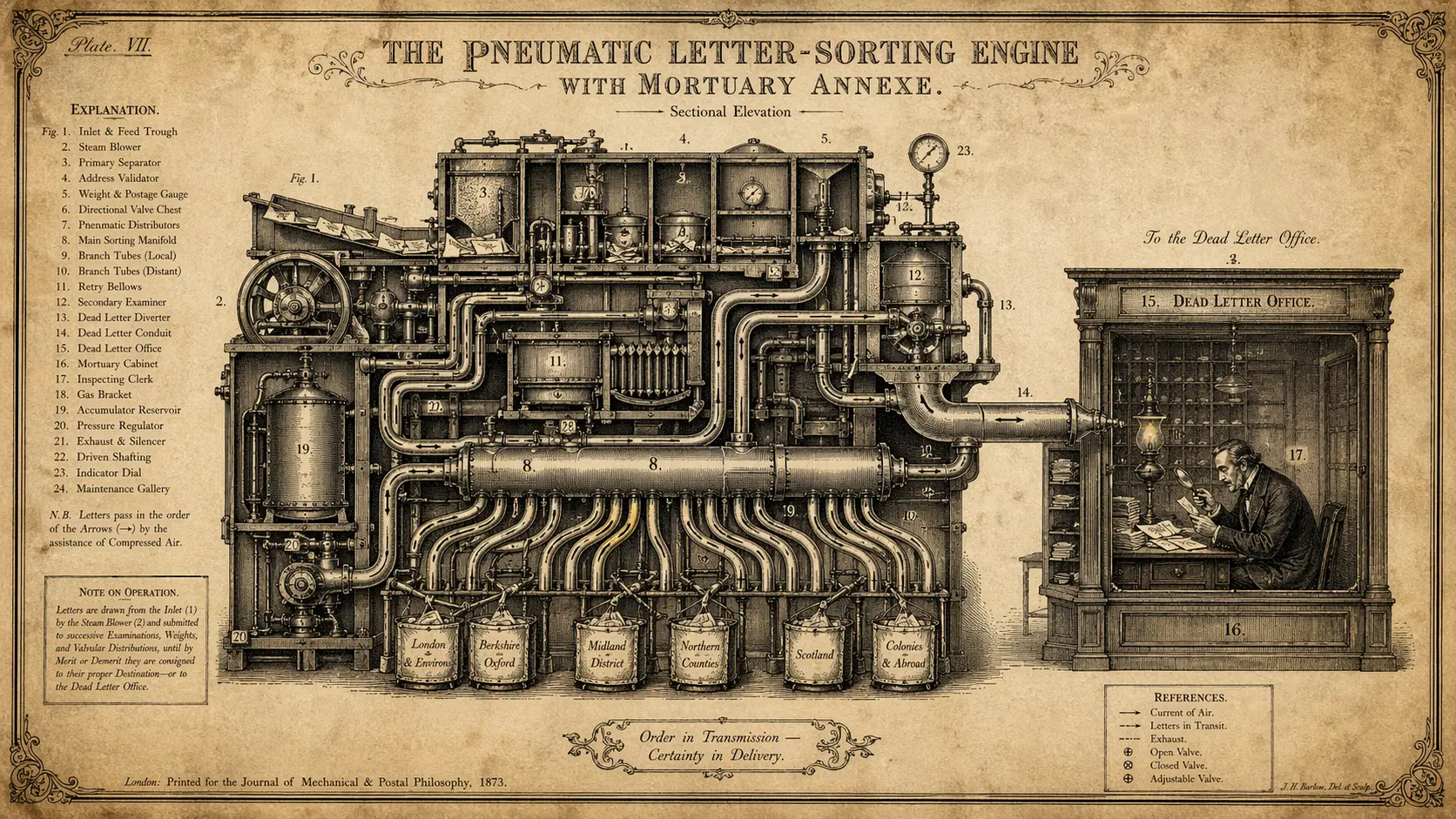
Every workflow that processes important data should have a catch branch that routes failures to a holding area — a Notion database, an Airtable table, a simple Google Sheet. Something a human can inspect.
When a workflow fails, don’t just send a Slack notification. Send the failed payload somewhere it can be retried once you’ve fixed the underlying issue.
Use idempotency keys
If your workflow might run twice (and it will, eventually), make sure running it twice doesn’t cause problems. Store a unique ID for each processed item and check before processing. A Redis set or even a simple Airtable “Processed IDs” column works fine.
The Mindset Shift
The goal isn’t to build automations that never fail. They will fail. The goal is to build automations that fail gracefully, loudly, and in ways that are easy to recover from.
Think of every workflow as a micro-service with an SLA. What’s the acceptable failure rate? What’s the recovery time objective? What does a runbook look like for when it breaks?
Once you start asking those questions, your automations get a lot more boring to operate — and that’s exactly what you want.