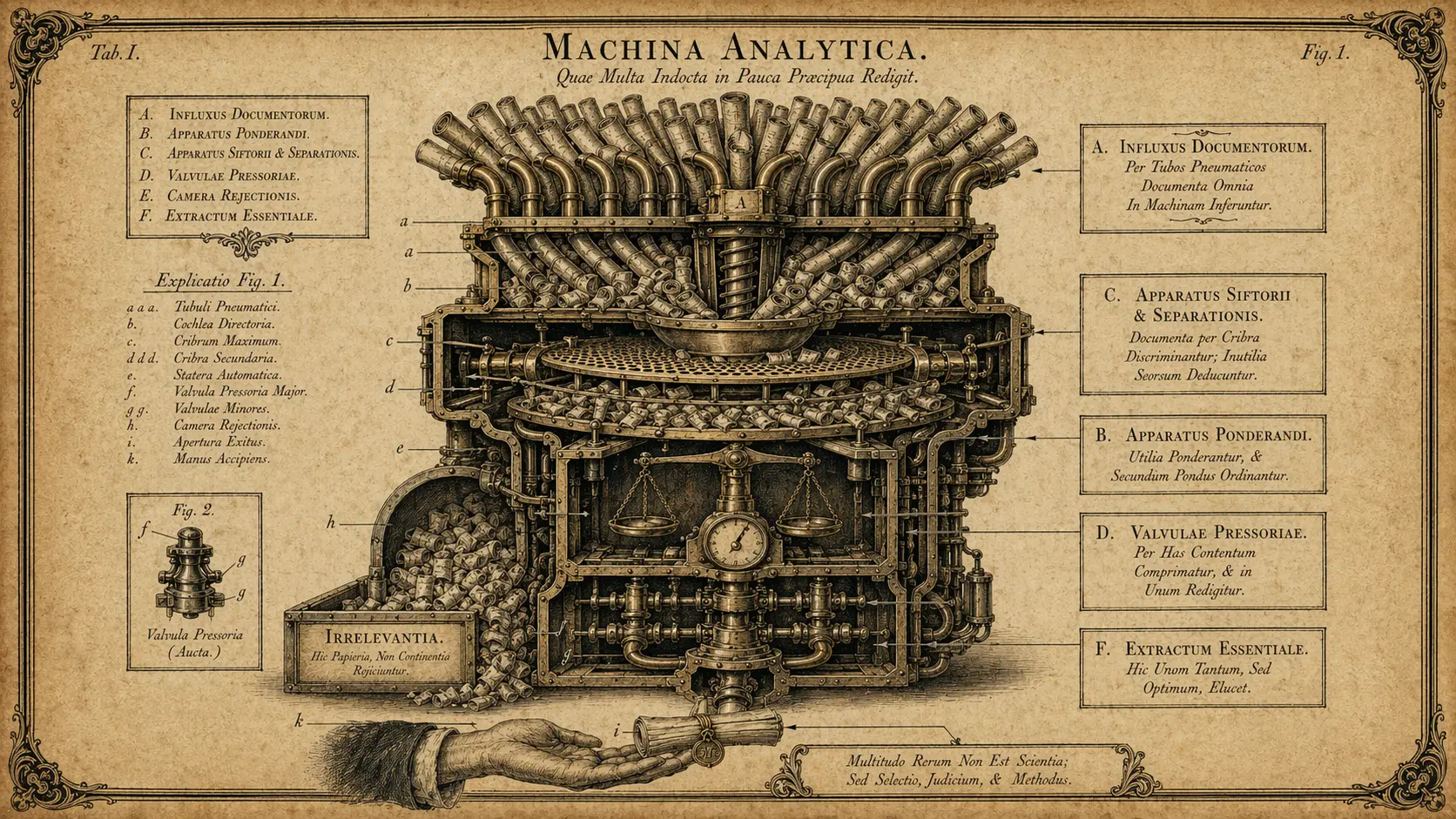

I follow a lot of sources. Research blogs, newsletters, GitHub releases, Hacker News, a handful of subreddits. At some point the volume of “things I want to stay on top of” exceeded the amount of time I had to read them.
So I automated it.
The Problem with RSS Readers
RSS readers are great, but they have one fundamental flaw: they still require you to read. You open Feedly or NetNewsWire and you’re confronted with 200 unread items. You skim headlines, feel guilty about what you’re missing, and either spend an hour reading or give up and mark all as read.
Neither is what I actually want. What I want is a digest of the 5-10 things that are genuinely relevant to what I’m working on right now, with enough context to decide whether to read the full piece.
The Stack
I ended up with a pretty simple setup:
- Miniflux (self-hosted RSS reader with an API)
- n8n for the orchestration
- Claude for summarization and relevance scoring
- Obsidian as the delivery target (a daily note with the digest)
Every morning at 7am, n8n pulls the last 24 hours of items from Miniflux, sends each one to Claude with a prompt that asks it to score relevance (1-10) against a list of my current interests and projects, and then assembles the top items into a structured digest.
The Prompt That Works
Getting the relevance scoring right took some iteration. The version that works best for me:
You are helping curate a daily reading digest. Score the following article
on a scale of 1-10 for relevance to these current interests:
- AI agents and automation architecture
- No-code/low-code tooling (n8n, Make, Zapier)
- Developer productivity
- Small business automation use cases

Article title: {{title}}
Article excerpt: {{excerpt}}

Return JSON: {"score": <number>, "reason": "<one sentence>", "summary": "<2-3 sentence summary>"}
Only score above 7 if the article would genuinely change how I think or work.
The last line is important. Without it, Claude tends to score too many things highly.
What I Learned
Structured output is essential. Asking for JSON means I can filter by score in n8n without any additional parsing. If you’re building anything like this, define your output format upfront.
Relevance is contextual. What’s a 9 this week might be a 4 next month. I update my interests list every couple of weeks, which takes about 5 minutes but significantly improves the quality of the digest.
Don’t over-summarize. Early versions had Claude summarize every article down to two sentences. Turns out I wanted different levels of detail for different types of content — a research paper deserves more context than a short blog post. I now pass article length as part of the prompt.
The whole workflow took about two hours to set up and saves me probably 45 minutes a day. That’s the kind of ROI that makes automation genuinely satisfying to build.